Framer CMS 3.0 - everything you need to know (2026 guide)
A complete breakdown of Framer CMS 3.0 - what changed, what's new, and why it matters.
Comparison
5 min read
Summary
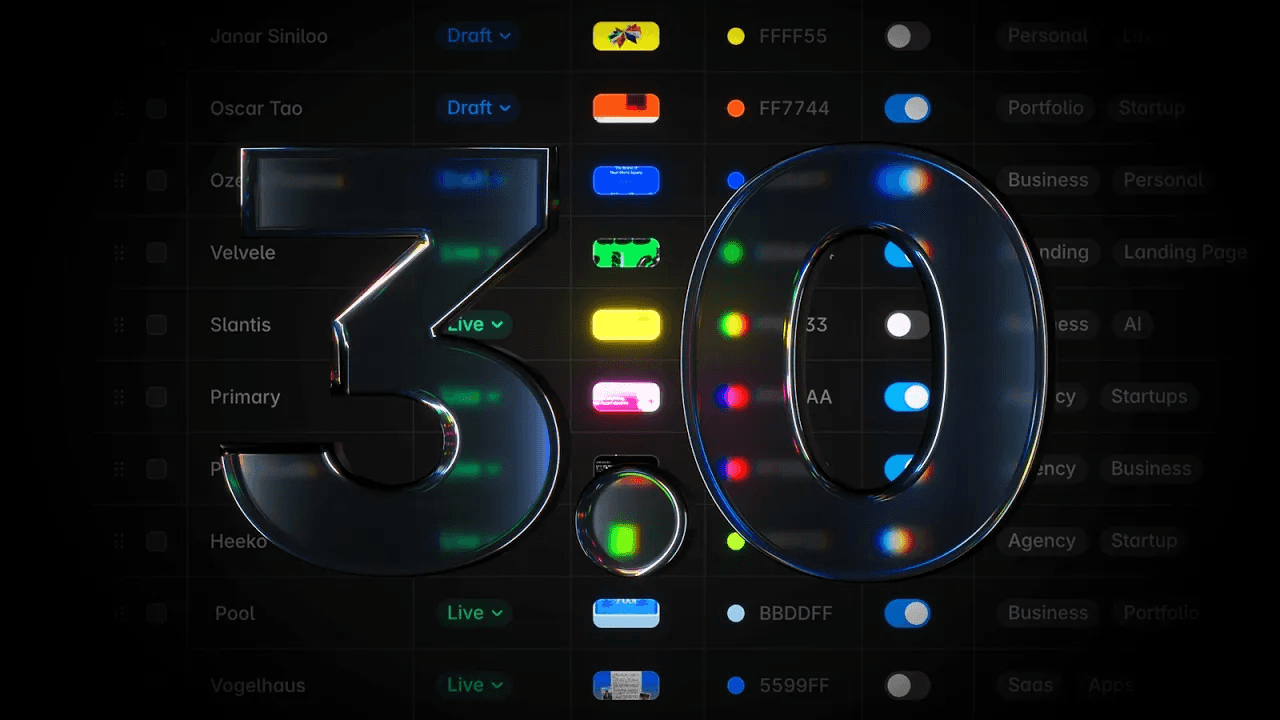
Framer just completely rebuilt their CMS - the biggest update to date
The new table view lets you edit content inline, without opening overlays for every item
Multi-cell selection and bulk actions make managing large collections much faster
Collections can now be organised into folders for better structure
What is Framer CMS 3.0?
Framer CMS 3.0 is the biggest update to Framer's content management system to date. The entire CMS has been rebuilt from scratch to make managing content faster, more organised, and accessible to the whole team - not just designers.
The biggest change is the new table view. Previously, editing a CMS item meant clicking into it and working inside an overlay. Now you click any cell and edit it right there - text, images, toggles, statuses, colors, references - all inline. For anyone managing large Framer CMS collections, this alone is a significant improvement.
Multi-cell selection is also new. You can select multiple items and apply bulk actions across all of them at once, which makes updating large collections much more manageable.
The new table view explained
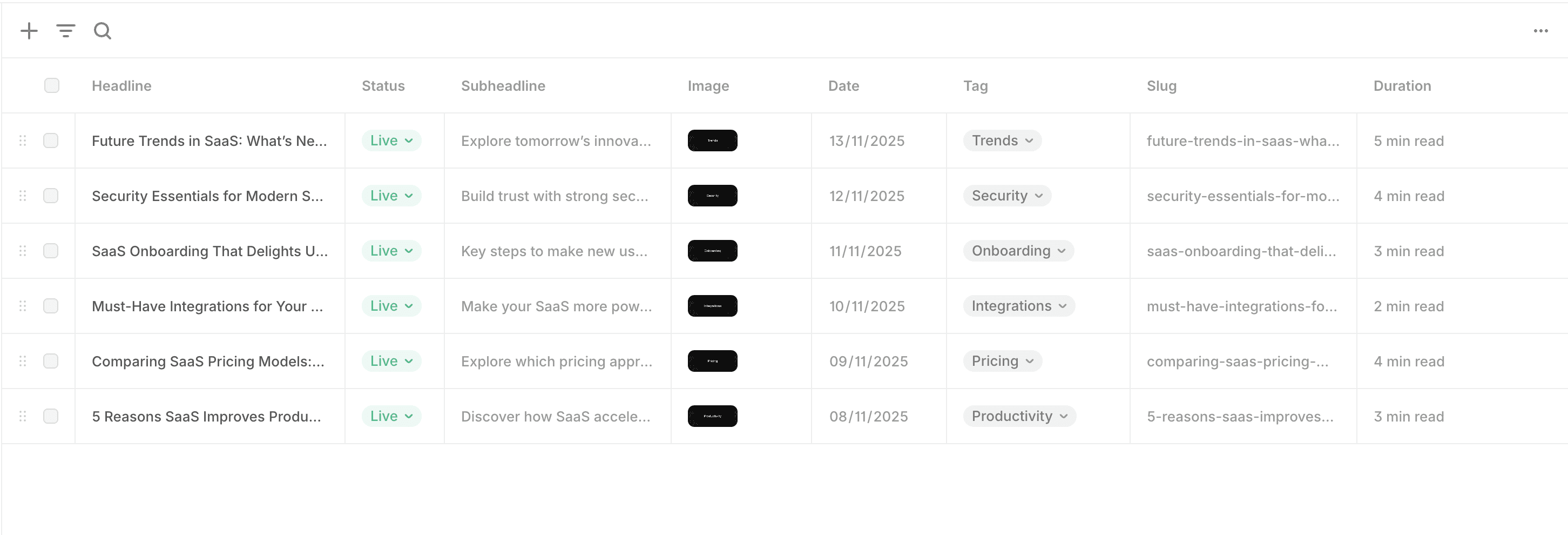
Columns can now be resized, reordered, and hidden based on what you need to see. It behaves more like a proper spreadsheet than a traditional CMS panel. Keyboard navigation has been rebuilt from the ground up as well, so you can move through content quickly without reaching for the mouse.
Search and filters now work together as a combined system. You can search for something while filters are active, which makes finding specific items in large Framer CMS collections a lot more precise and faster.
How to organise Framer CMS collections with folders
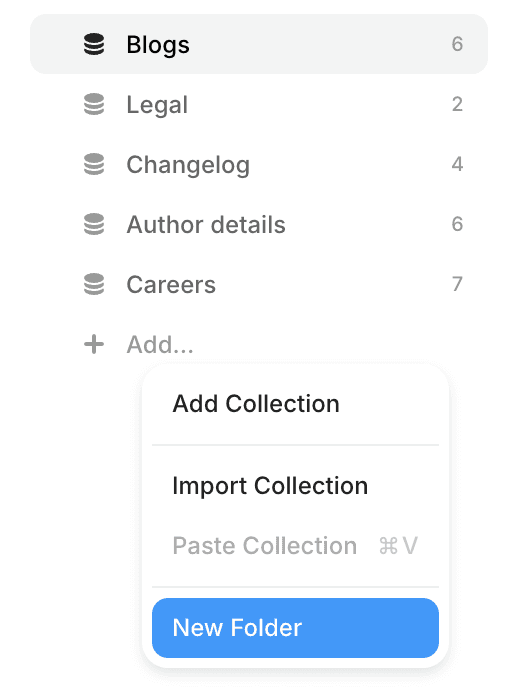
Previously, all your collections sat in one flat list. Now you can group them into folders - blog posts, team members, portfolio projects, products - each in their own place. It's a small change but makes a meaningful difference when you're managing a site with multiple content types in Framer.
What's new with the Framer CMS fields panel
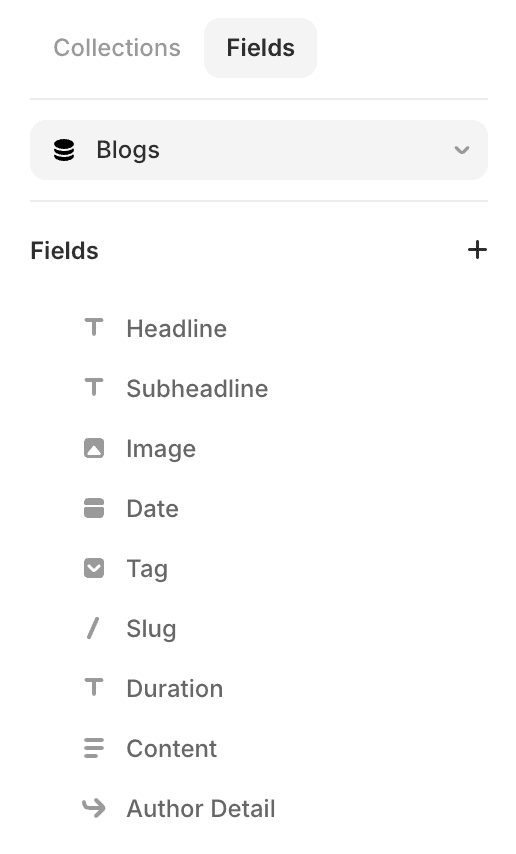
Field management has been moved out of the item overlay and into a separate dedicated panel with more space and a cleaner layout. Adding new fields, editing existing ones, and organising dividers all feel more intentional now. Less digging around, more clarity - especially useful when building complex Framer CMS structures.
Is Framer CMS good for content-heavy sites?
The short answer - yes, more than ever. Using Framer for content-heavy sites used to come with real friction. The CMS worked, but it wasn't fast enough for teams regularly managing large volumes of content.
CMS 3.0 changes that. It now feels like a tool genuinely built for content work, not just a feature added on top of a design tool. Pair that with On-Page Editing, and you have a setup where the whole team can contribute to the site without needing any design experience.
For agencies managing client sites, or product teams publishing content frequently, that combination removes a lot of unnecessary back-and-forth and speeds up the entire publishing workflow.