Spendwise
{Free}
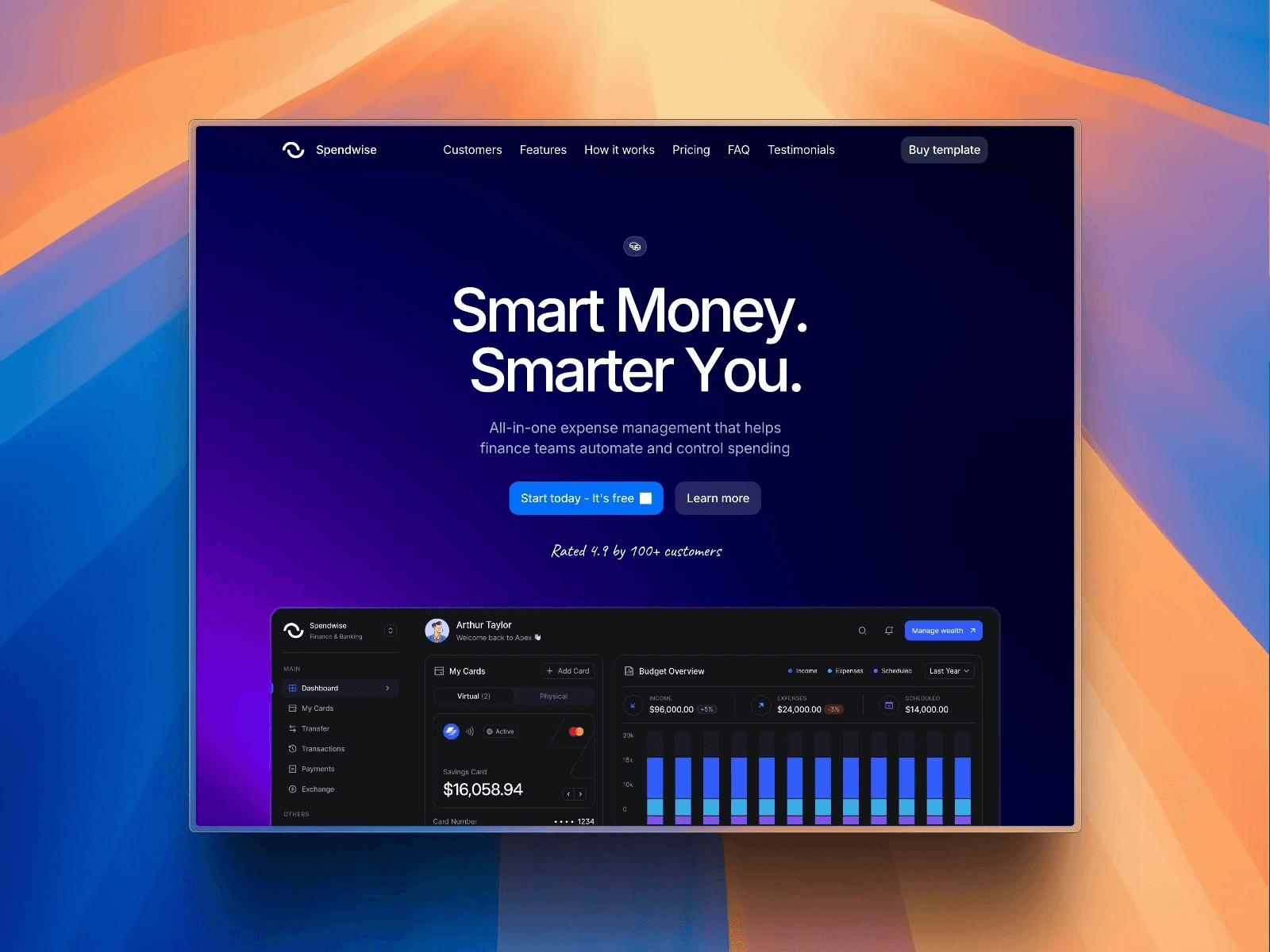
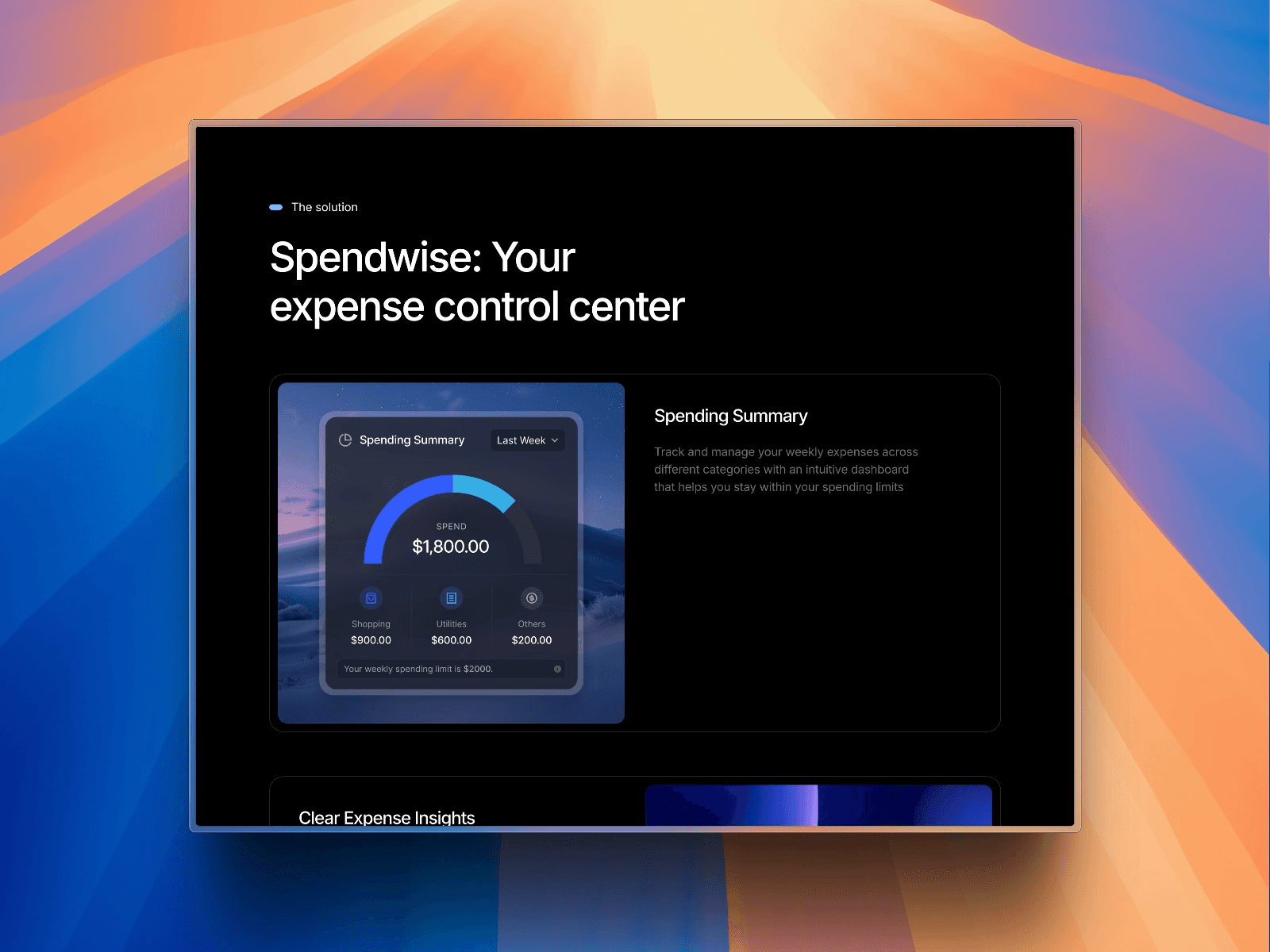
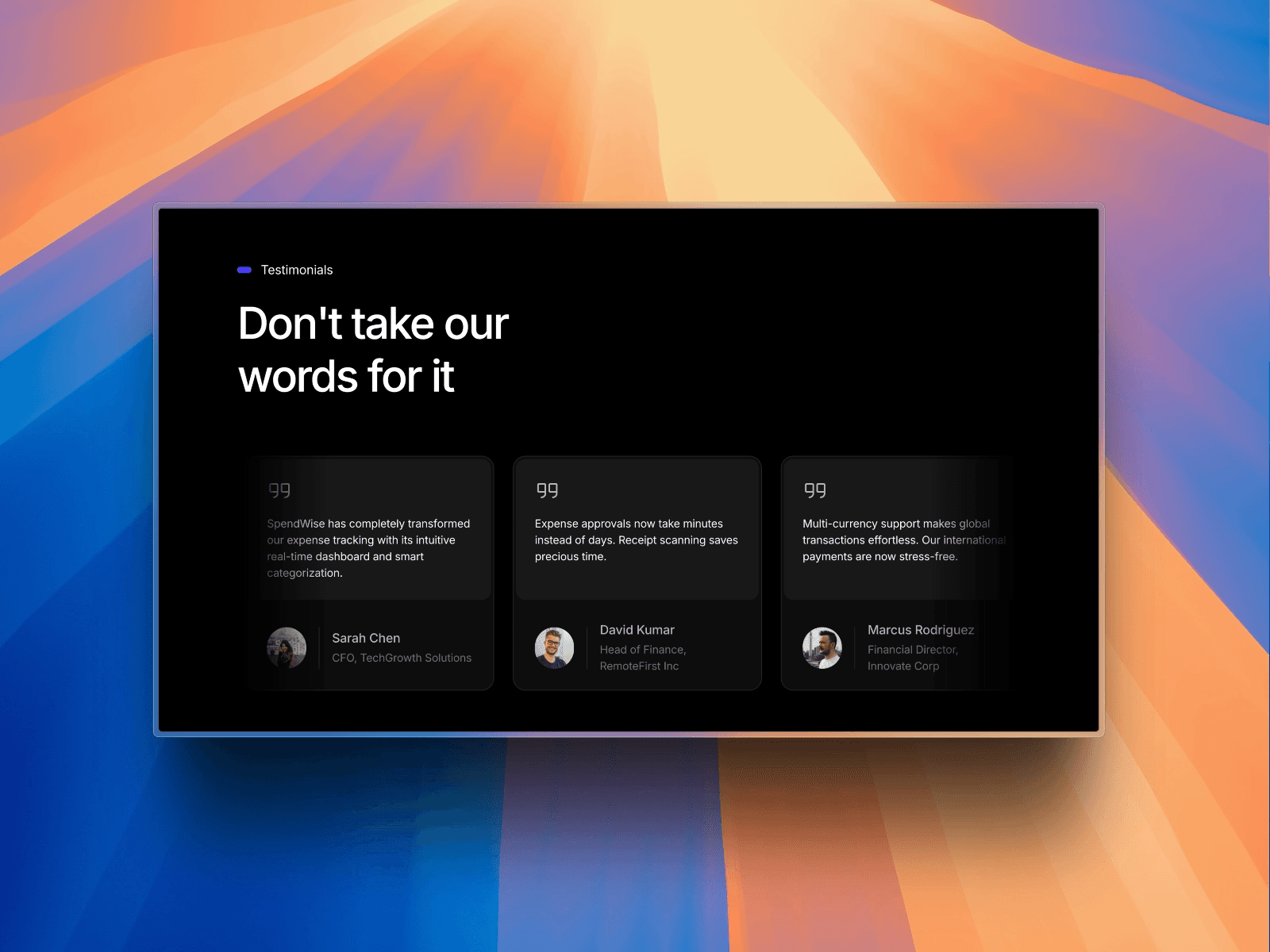
Spendwise is a SaaS Framer template for expense management and fintech products, where credibility is the whole game. Nobody connects a company card to a product that looks unfinished, so the design leans deliberately premium — an elite, top-tier SaaS aesthetic that signals the product is safe to trust with money.
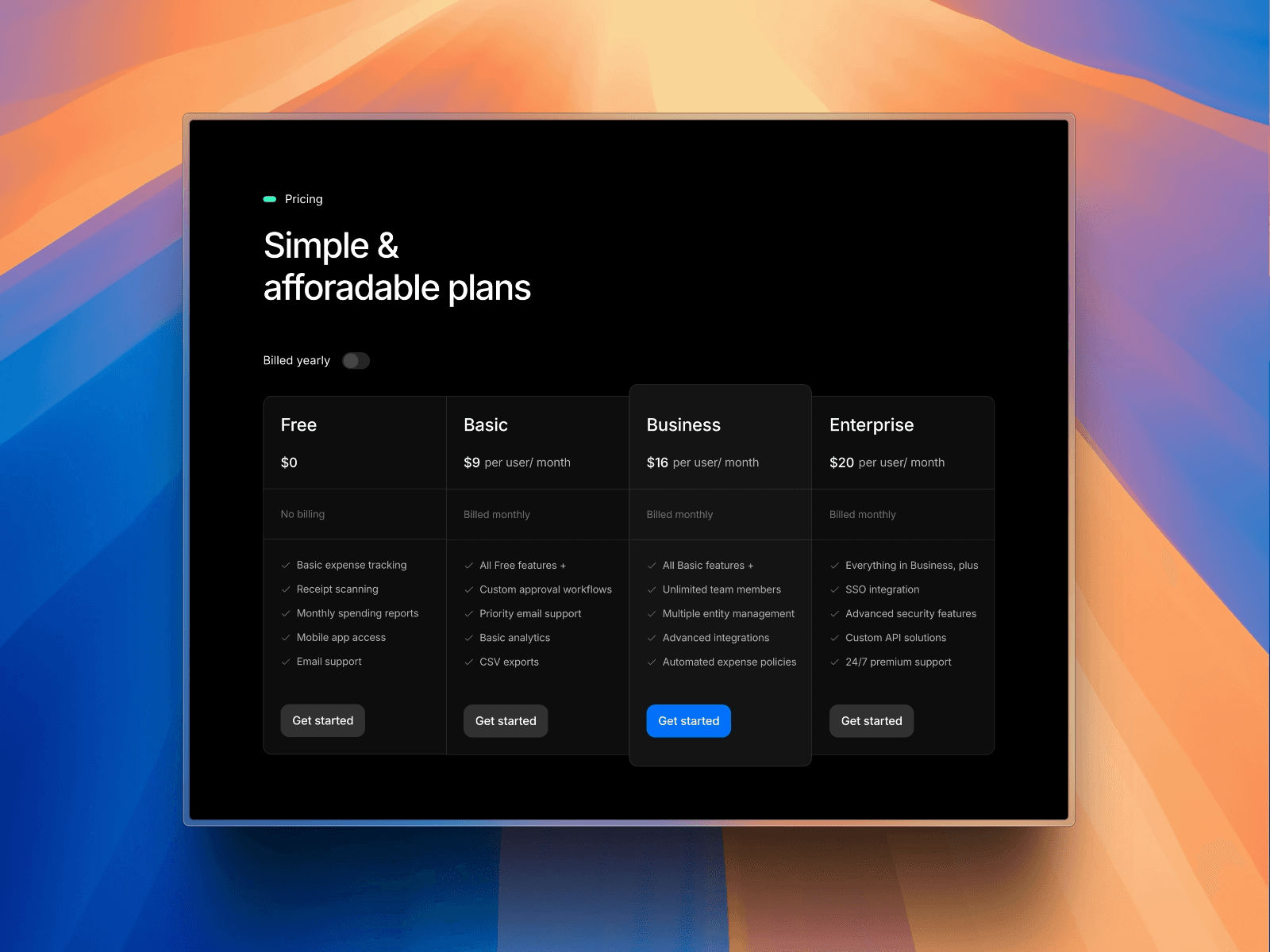
The UI is built for speed and conversion, with pricing tables designed to move visitors to signup rather than leaving them to work out which tier they’re in.
Best for
SaaS founders building finance or expense management products
fintech teams needing a polished launch site
5 pages —
Home — a conversion-first layout with a premium fintech aesthetic
Blogs — CMS-powered, for organic traffic
Careers — for early hiring
Waitlist — capture demand pre-launch
Contact us
Key features
elite, trust-building fintech design
conversion-first pricing tables
CMS-powered blog
waitlist capture
fully responsive
no-code editable
free lifetime updates
25% off Framer Pro plans
Why choose Spendwise
Finance sites live or die on trust. Spendwise ships with the premium, credibility-first design that generic SaaS templates lack — which matters most when your buyer’s first question is whether your product is safe to connect to their money.
FAQ
Is Spendwise free?
Yes, Spendwise is free to remix, with free lifetime updates. A Framer plan is required to publish on your own domain.
Is it only for expense management products?
No. It’s designed with fintech in mind, but the structure works for any SaaS product where trust is the main obstacle — banking, accounting, payroll, invoicing, or B2B tools handling sensitive data. If your buyer’s first question is “can I trust this,” the design is doing the right job.
Does it include a pricing page?
The conversion-focused pricing tables are part of the home page layout. If you want pricing on a separate URL, you can duplicate the section onto its own page in Framer — the layout moves without breaking.
Can I add a blog?
Yes, blog pages are included and CMS-powered. You add posts through the CMS panel and each generates its own page from the existing design.
How long does it take to launch?
For most founders, an afternoon. The design is finished, so your time goes into replacing copy and screenshots rather than building layouts. Connecting a custom domain takes a few minutes on top.
Pages included
Home
Careers
Blogs
Contact us
Waitlist